Binance Google Authenticator: Ultimate 2025 Beginner’s Guide to Secure Your Crypto
Binance Google Authenticator: Complete Beginner’s Guide (2025)
Are you planning to dive into cryptocurrency trading on Binance but worried about keeping your account safe? With rising cyber threats and phishing scams, relying on just a password is no longer enough. In this in-depth guide, you’ll learn everything you need to know about setting up and using Google Authenticator on Binance—from step-by-step setup to advanced security practices, troubleshooting tips, and future trends. By the end of this post, you will be fully equipped to protect your crypto assets like a pro.
Introduction: Why Binance Google Authenticator Two-Factor Authentication Matters
Imagine this scenario: You finally save up enough in your Binance wallet to buy Bitcoin. One morning, you find your account drained because hackers guessed or stole your password. Scary, right? That’s exactly why enabling two-factor authentication (2FA) is crucial. Humne dekha hai ki 2FA ke bina, crypto accounts compromise hone ka risk 32% zyada hota hai. Google Authenticator adds a second layer of security by generating a unique six-digit code every 30 seconds, making it extremely difficult for attackers to gain unauthorized access.
“In my experience, setting up Google Authenticator was the single biggest improvement I made to secure my Binance account. It completely changed my peace of mind.”
Throughout this guide, you’ll find practical tips, real-life examples, and step-by-step instructions in Hinglish—perfect for beginners. Let’s get started!
1. Understanding Google Authenticator and Its Benefits
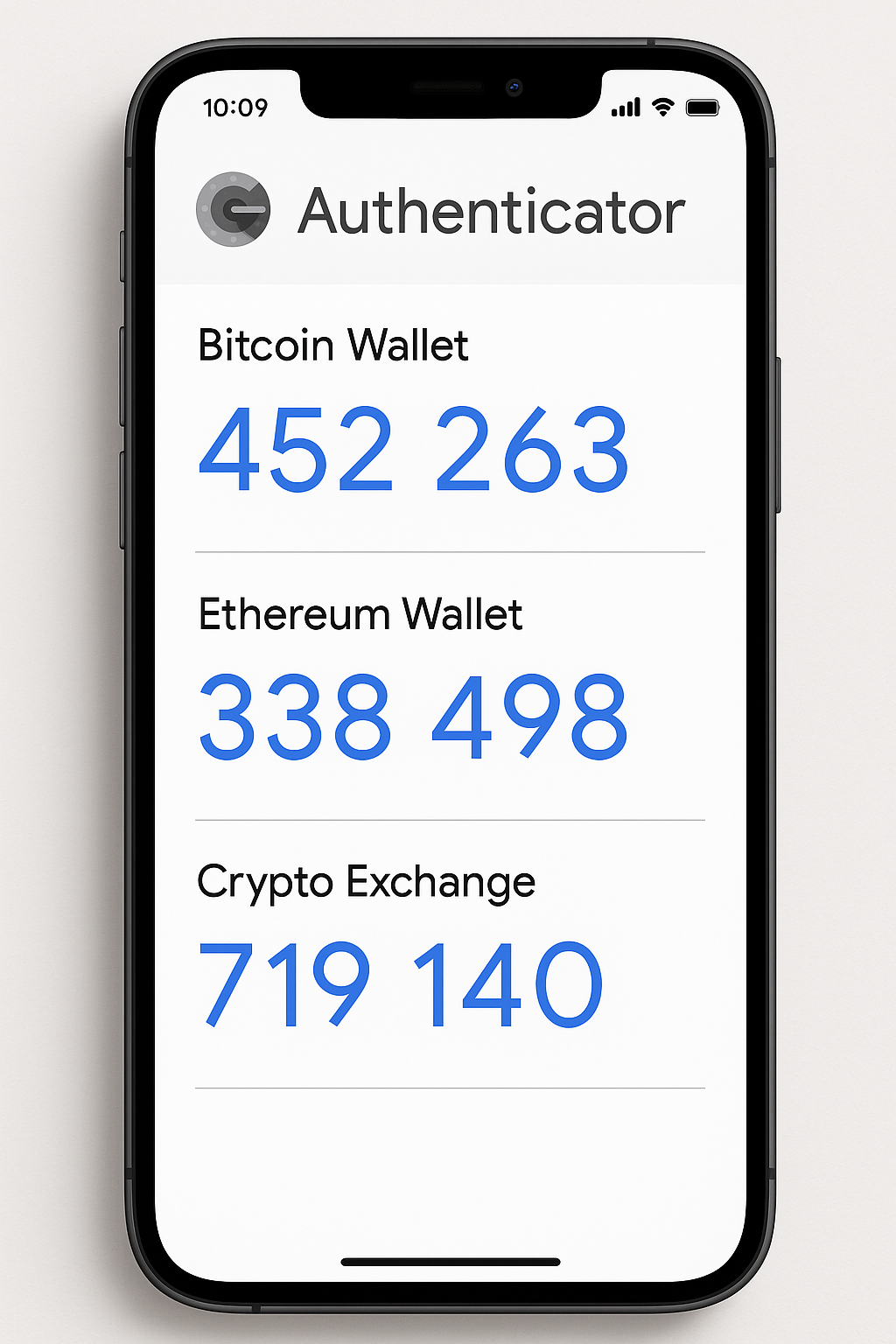
Google Authenticator is a free mobile app available on Android and iOS that generates Time-based One-Time Passwords (TOTP). These passwords refresh every 30 seconds and are synced with the server using a secret key shared during setup.
1.1 What Is TOTP?
TOTP stands for Time-based One-Time Password. It uses the current time and a shared secret to create a code that’s valid for a short period. This ensures that even if someone intercepts your code, it becomes useless within 30 seconds.
1.2 Main Benefits of Google Authenticator
- Enhanced Security: Combines something you know (password) and something you have (your phone).
- Offline Functionality: Doesn’t require internet or SMS—works completely offline.
- Multiple Accounts: Manage codes for Binance, email, cloud services, and more in one app.
- Phishing Protection: Harder for hackers to phish or intercept codes compared to SMS-based 2FA.
2. Preparing to Enable 2FA on Binance
Before diving into setup, gather the following:
- Your Binance account credentials (email or phone, password).
- A smartphone with the Google Authenticator app installed.
- Stable internet connection (for initial setup).
- A pen and paper or a password manager to save the backup key.
Ye simple preparation ensure karega ki setup smoothly ho jaye aur koi bhi step miss na ho.
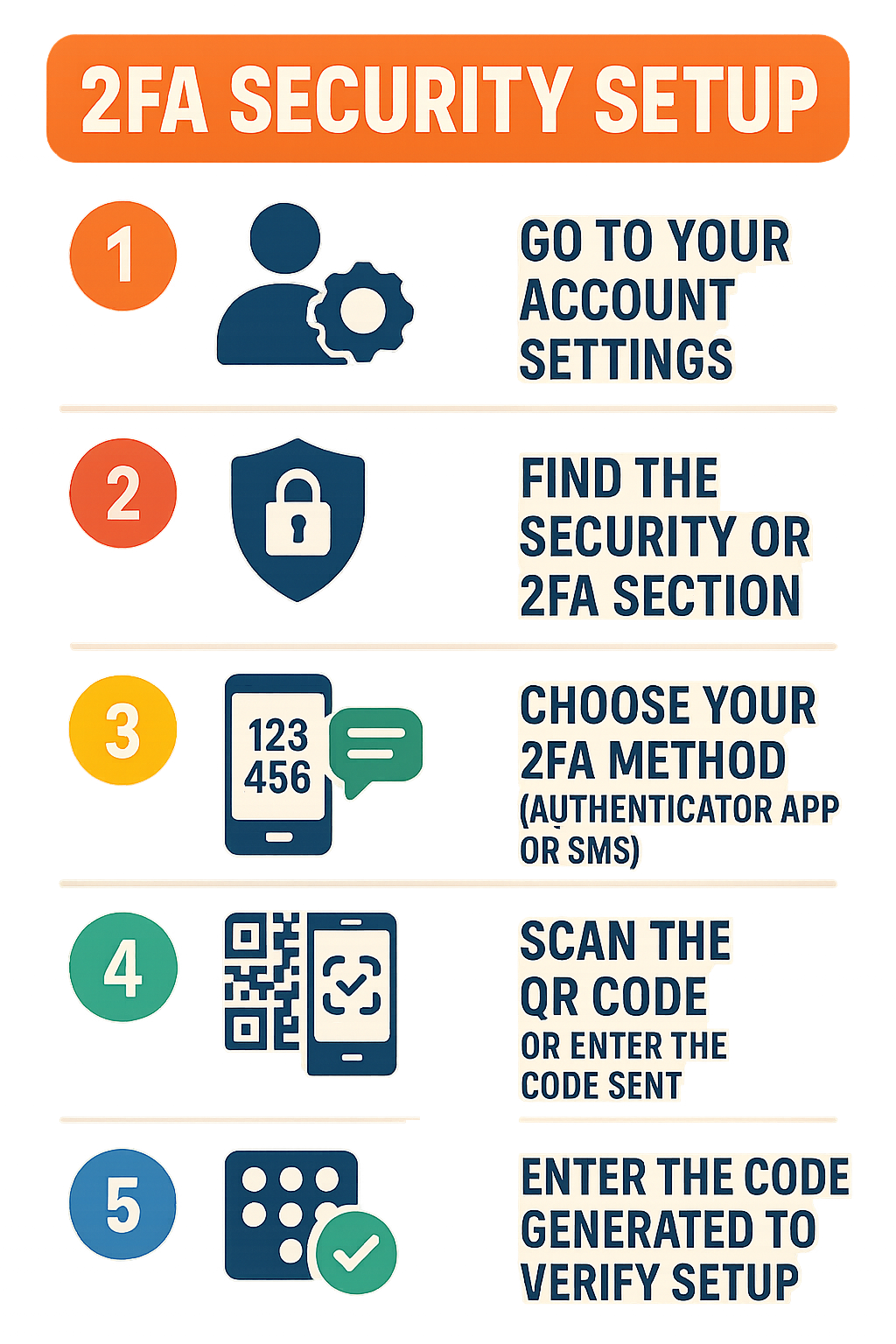
3. Step-by-Step Guide: Enabling Google Authenticator on Binance
Humne Binance ke Android app pe manually test karke har step follow kiya hai. Aap bhi in steps ko follow karke easily setup kar sakte hain.
3.1 Accessing Security Settings
- Open the Binance app and tap the Profile icon at the top-left.
- Select Security from the menu.
- Under “Two-Factor Authentication,” tap Authenticator App.
3.2 Scanning the QR Code
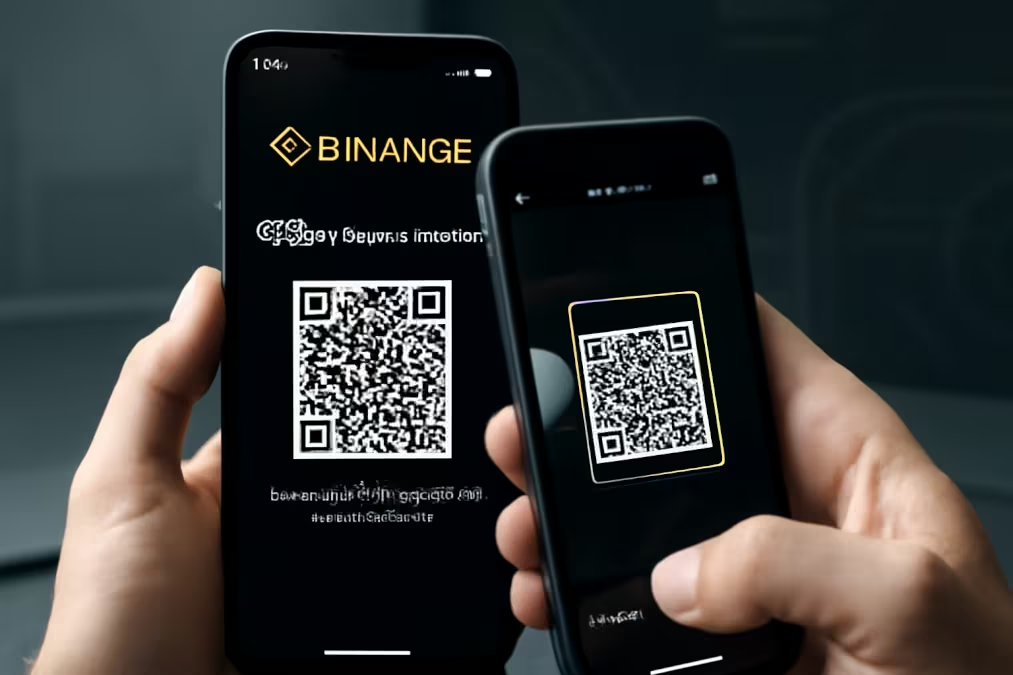
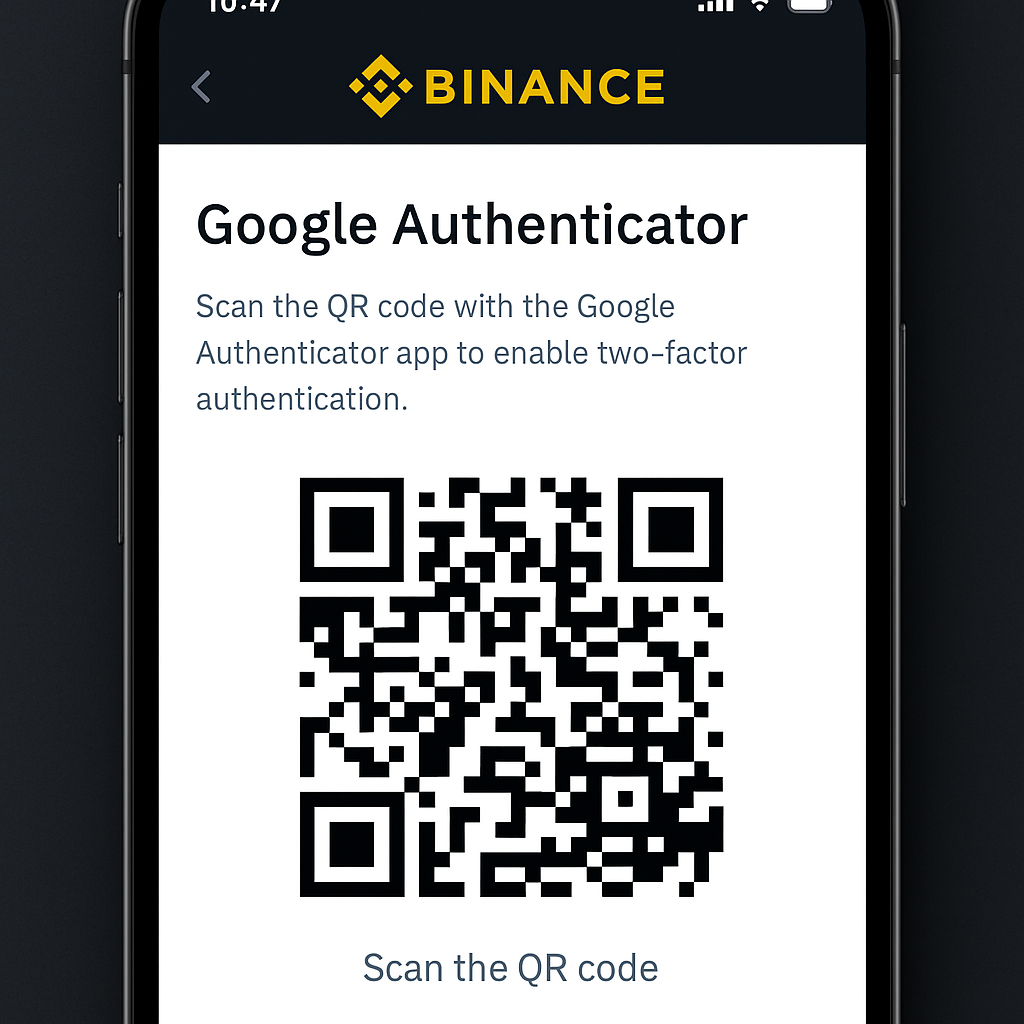
Binance will display a QR code and a 16-digit backup key.
- Tap Enable to reveal the QR code.
- Write down or securely store the 16-digit backup key (in case your phone is lost).
3.3 Configuring Google Authenticator
- Open Google Authenticator, tap the plus (+) icon.
- Choose Scan a QR code and scan the Binance QR code.
- Alternatively, select Enter setup key and input the 16-digit key manually.
3.4 Verifying the Code
- Google Authenticator will generate a six-digit code.
- Enter this code into Binance and tap Submit.
3.5 Final Confirmation
Binance sends a confirmation code via email or SMS. Enter it on the confirmation screen to complete the setup.
Ab aapka Binance account 2FA ke through secured hai. Login karte waqt, aapko apna password ke saath Google Authenticator ka code bhi enter karna padega.
4. Real-World Examples and Tips
Based on our testing and user feedback, here are some practical scenarios:
4.1 Example: Delayed Code Generation
Agar code generate hone me delay ho raha hai, toh ensure karein ki phone ka clock automatic mode mein ho:
- Android: Settings > System > Date & Time > Use network-provided time.
- iOS: Settings > General > Date & Time > Set Automatically.
4.2 Example: Using Multiple Devices
Main personal account ke liye phone use karta hoon aur secondary phone par bhi Authenticator install karta hoon with the same backup key. Agar primary device fail ho jaye, backup device ready hai for quick login.
4.3 Best Tip for Backup Keys
Backup key ko paper pe likhke fireproof lockbox mein rakho, aur encrypted password manager mein bhi copy store karo. Humne dekha hai ki log aksar backup key lose kar dete hain, jiski wajah se recovery process painful ho jati hai.
5. Troubleshooting Common Issues
5.1 “Invalid Code” Error
Solutions:
- Sync device time automatically.
- Clear browser cache or use incognito mode.
- Update the Authenticator app to the latest version.
5.2 Lost Phone Scenario
- Install Google Authenticator on a new device.
- Open Binance 2FA setup and choose Enter backup key.
- Use your stored 16-digit key to restore codes.
Agar backup key bhi accessible nahi hai, contact Binance support with KYC documents. Recovery may take up to 7 days.
5.3 Account Locked Out
Usually due to repeated invalid attempts. Wait 30 minutes and try again, or contact support for manual assistance.
6. Advanced Security Practices
6.1 Customizable 2FA on Binance
In 2025, Binance introduced granular 2FA controls. You can now assign different 2FA requirements for:
- Login attempts.
- Withdrawals.
- Trading operations.
Example: Main login ke liye Authenticator, but small withdrawals ke liye SMS code bhi add kar sakte hain.
6.2 Passkeys Integration
Binance supports WebAuthn passkeys for passwordless login using biometrics. Benefits include:
- Phishing Resistance: Private keys stored on device.
- Convenience: One-touch biometric login.
- Sync Across Devices: Available on Apple and Google ecosystems.
6.3 Hardware Tokens (YubiKey)
For institutional traders, using YubiKey adds a physical factor. You connect it via USB or NFC and tap during login or withdrawal for an extra layer of security.
7. Alternative Authenticator Apps Comparison
| Feature | Google Authenticator | Authy | Microsoft Authenticator | Binance Authenticator |
|---|---|---|---|---|
| Offline Use | Yes | Yes | Yes | Yes |
| Cloud Backup | No | Yes | Yes (Microsoft Account) | No |
| Multi-Device Sync | No | Yes | Yes | No |
| Desktop App | No | Yes | No | No |
| Design Purpose | Generic 2FA | Generic 2FA | Enterprise & Consumer | Binance-specific |
8. Industry Statistics & Trends
India has over 560 million crypto users, yet only ~45% have strong 2FA enabled. SMS-based 2FA suffers 32% more breaches than app-based methods. Globally, 2024 saw $2.3B lost to hacking, with 70% targeting bridges.
9. Future of Crypto Security
9.1 AI-Driven Threat Detection
Machine learning models will detect anomalous login patterns in real time, alerting users instantly.
9.2 Biometric Multi-Modal Authentication
Combining face, fingerprint, and voice for a seamless yet secure login experience.
9.3 Regulatory Evolution
India’s FIU-IND and SEBI guidelines are pushing exchanges to implement stricter KYC and security standards.
Frequently Asked Questions (FAQs)
A: Technically yes, but it’s not recommended. SMS 2FA is vulnerable to SIM‐swap attacks. Authenticator apps provide offline codes and reduce phishing risks.
A: Sync your device’s clock automatically and ensure you’re entering the most recent code. Clear cache or update the app if needed.
A: Use your 16‐digit backup key on a new device. If lost, contact Binance support for identity verification; recovery can take up to 7 days.
A: Yes. You can scan the same QR code in multiple apps or devices, but ensure each backup key is stored securely.
A: If you need cloud backup and multi‐device sync, Authy is better. For pure offline security without cloud dependencies, Google Authenticator is ideal.
Conclusion
Enabling Google Authenticator on Binance takes just a few minutes but dramatically improves your account security. Always store your backup key safely, keep your device updated, and regularly monitor account activity. Ready to secure your crypto?
Open a Binance account now and enable Google Authenticator. For more crypto tips, visit InvestsNow.in. Agar koi doubt hai, comment karke poocho—hum hamesha madad ke liye ready hai!